Connect Wistia
Tasks call Wistia through qbash.integrations.wistia with an API token you store on the Connectors page. The connector lists an account's folders and the media in each folder, reads one media with its file versions, and reads caption tracks with their text and timings. It makes no changes to the account.
After you connect Wistia, you can add its tools to a qbash MCP server for ChatGPT, Claude and other MCP clients, or call it from a Python task. The Wistia MCP server page lists what the connector can do.
Wistia's API called folders "projects" until its 2026-01 release. qbash calls the current release, so every method and field says folder.
Create an API token
Only the Account Owner can open the API tokens page. Anyone else on the account has to ask the owner for a token.
- Sign in to Wistia as the Account Owner and open Account Settings, API.
- Click New token and give it a nickname, such as qbash.
- Under permissions, choose Read all folder and media data. Read all data works too. Leave the update and delete permissions off, since no connector method uses them.
- Copy the token. Wistia shows it only once, when you create it.
Add the credential in qbash
- Open Connectors, then Wistia, and click Connect.
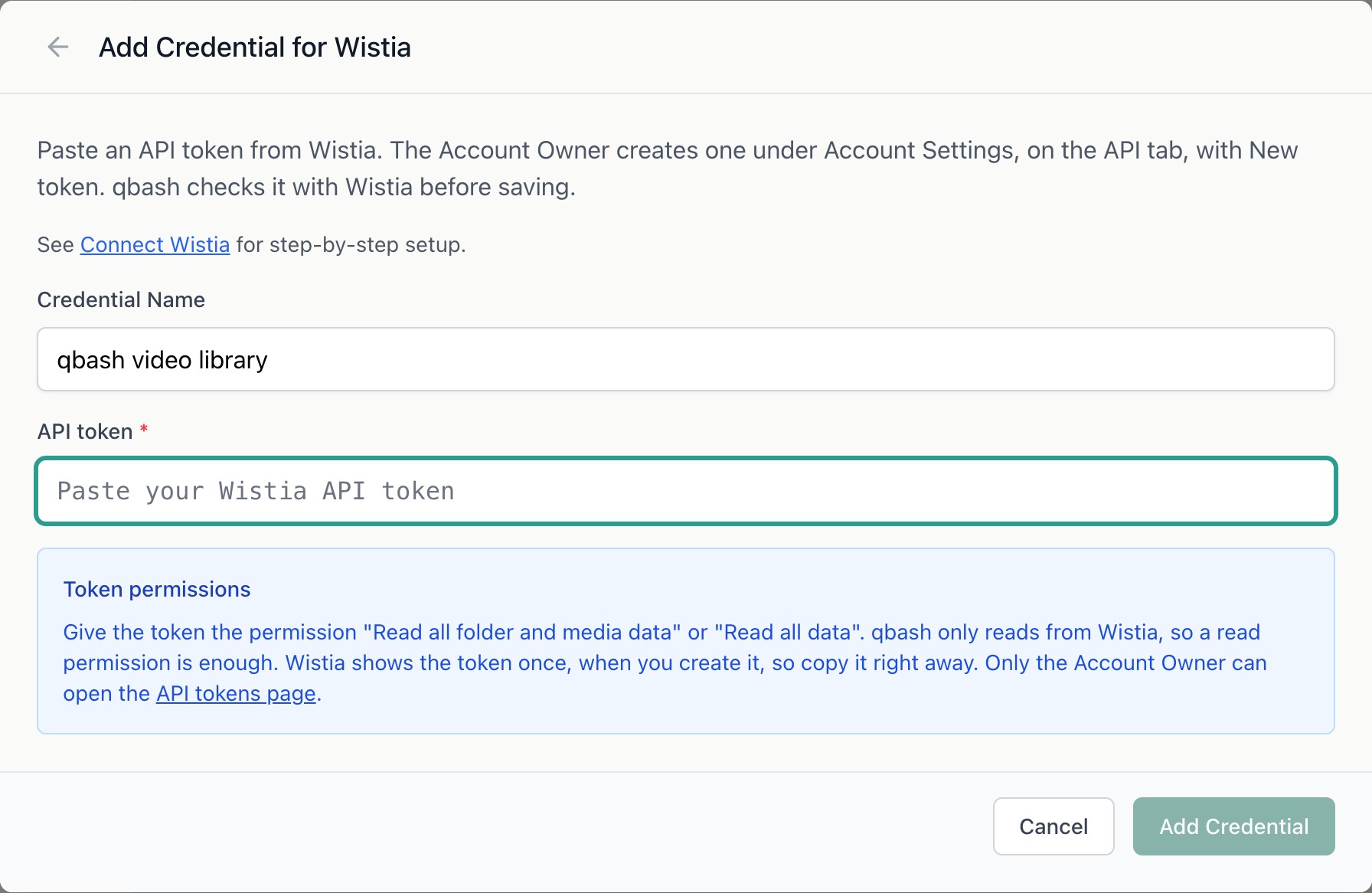
- Give the credential a name and paste the token. qbash lists one folder with it before saving, so a mistyped token or one without read permission fails here.
- In the task editor, open Resources → Integrations, and select the credential. See Connect resources.
To edit the credential later, leave the token blank to keep the saved one.
Read a folder's videos from a task
This task walks every folder, then logs each video in the folder named Product with its length and the size of its original file.
wistia = qbash.integrations.wistia

folders, cursor = [], None
while True:
    page = wistia.list_folders(cursor=cursor)
    folders += page["folders"]
    cursor = page["next_cursor"]
    if cursor is None:
        break

product = next(f for f in folders if f["name"] == "Product")

cursor = None
while True:
    page = wistia.list_media(folder_id=product["hashed_id"], media_type="Video", cursor=cursor)
    for video in page["media"]:
        original = next((a for a in video["assets"] if a["type"] == "OriginalFile"), None)
        size = f'{original["file_size"] / 1_000_000:.1f} MB' if original else "no original"
        qbash.log(f'{video["name"]}: {video["duration"]:.0f}s, {size}')
    cursor = page["next_cursor"]
    if cursor is None:
        break
The SDK Reference lists every method with its parameters and return values.
Read captions
list_captions returns every caption track on a video, one per language, with the whole track as SRT text. get_captions reads one language, and include_segments=True adds each caption's start and end time in milliseconds.
tracks = qbash.integrations.wistia.list_captions(media_id="g5pnf59ala")["captions"]
qbash.log([t["language"] for t in tracks])

english = qbash.integrations.wistia.get_captions(media_id="g5pnf59ala", language="eng", include_segments=True)
for segment in english["captions"]["segments"]:
    qbash.log(f'{segment["start_ms"] / 1000:.1f}s {segment["text"]}')
A media's hashed_id is the last part of its URL in Wistia, such as g5pnf59ala.
Add test data
Upload two or three short videos to a folder and wait until each one shows as ready. Wistia generated English captions on its own for a test clip with speech in it. For a clip without speech, upload an .srt file as its captions in Wistia.
Details that affect results
- Each folder and media comes back as Wistia sends it, with every field. A media in a subfolder also has
subfolderandsection. Other media have neither key, so read them with.get(). list_foldersleaves out each person's My Library folder. A new account can start with sample folders, such as Sample live event, whose media are not videos.list_mediareturns images, audio and documents as well as videos unless you passmedia_type="Video". It includes media in the folder's subfolders.- Both list methods return up to 100 items a page, oldest first. Pass
next_cursorback ascursoruntil it isNone. Media added while a task pages through a folder appear at the end. assetslists the file versions Wistia keeps for a media, such asOriginalFileand the encoded MP4s, with each one's size and download URL.- An ID that Wistia does not know returns a 404 error. So does a caption language the video has no track in.
- Wistia allows 600 requests a minute for each account. The connector waits and retries once when Wistia asks for a pause of five seconds or less.