Durable workflows: exactly-once execution with checkpointing
Alex Blom
A checkout fails after the card is charged. Checkpointing in the Tasks SDK records which steps finished so a retry skips them, and every step runs exactly once.
Video tutorials and walkthroughs

A checkout fails after the card is charged. Checkpointing in the Tasks SDK records which steps finished so a retry skips them, and every step runs exactly once.

Integration calls in Aisle Tasks are standard Python API calls, not agent tool invocations. Credentials stay out of the context window and tokens go toward the work.
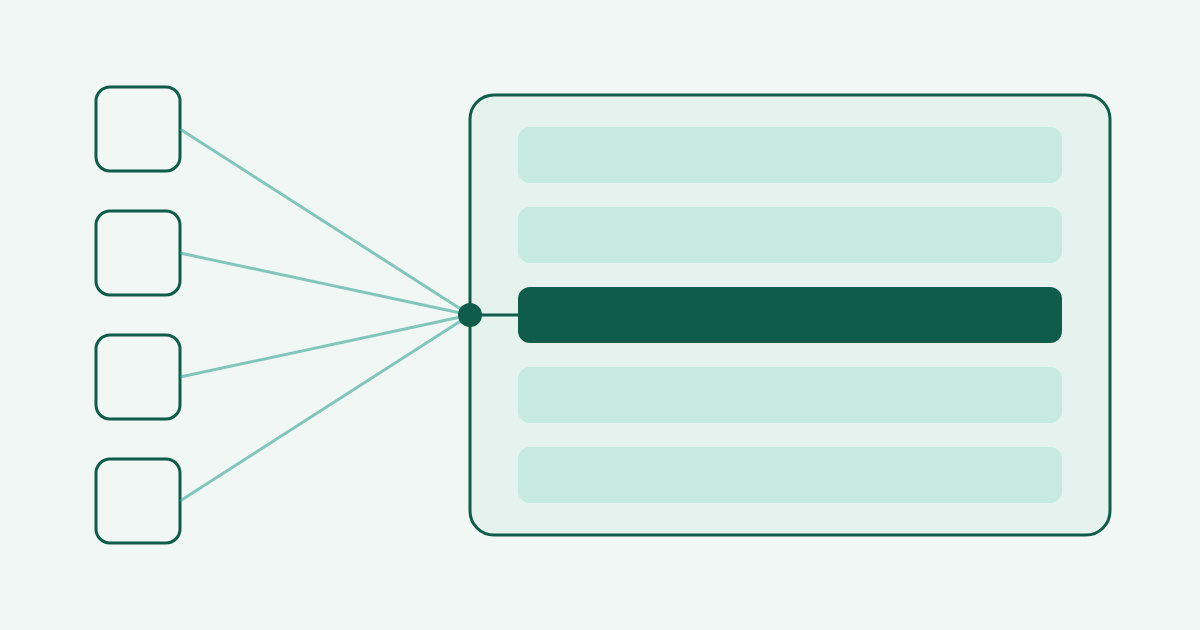
Build a Task once, expose it as a tool, and call it from Claude Code, Cursor, claude.ai, or ChatGPT. The client passes the inputs, the Task runs on Aisle's managed runtime, and the output comes back in the chat window.

An Airtable base of deals, one Task with four modes, mounted on an MCP server. The sales team updates the pipeline by chatting, without edit access to the table.
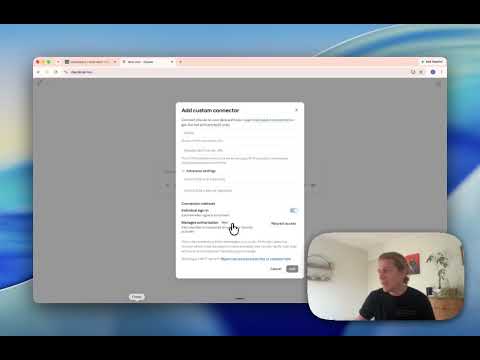
Deploy a Task as an MCP server and call it from ChatGPT, Claude, or any client that supports the protocol. Same Task, same behavior, every client.

Mail merge for PowerPoint decks. One template, many rows of data, and a zip of finished decks ready to download.

The most copied lead-gen workflow on n8n scrapes Google Maps and ends in a spreadsheet. Here's the same job rebuilt as an Aisle Task with Google Maps, Apollo.io, HubSpot, and Slack.
Anthropic's new flagship is in your model picker today: a 1M token context window, 128K output, and adaptive thinking with full effort control. Plus why your shared Aisle chats can't end up in Google, the Cobalt connector, and a reworked Tasks editor.

Two upgrades to the AI task editor: full create, edit, and remove support for inline prompts, and Postgres connection testing that runs a real read-only query.

How to set up feature and spec memories in Claude Code that survive across sessions and carry across everyone on your team, instead of re-explaining the same architecture every morning.
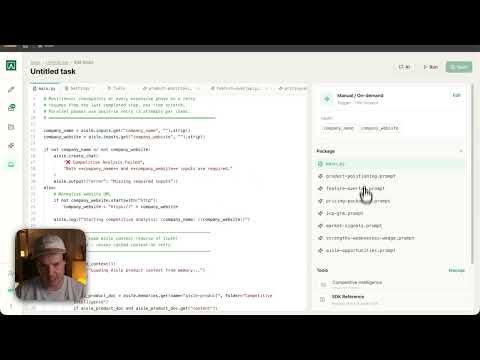
The AI Task Builder takes a spec and compiles a working Task from it: script, prompts, and wiring, generated end to end.
Building a six-phase competitive intelligence Task with our AI Task Builder made one thing obvious: the model is the smallest part of the work, and the plumbing around it is where the reliability comes from.
A look at how moving from agentic reasoning to a deterministic Python task in Aisle can cut token consumption by up to 50x, with no loss in what the automation actually does.

Use an Aisle task to create a deterministic AI automation that summarizes all new commits to a project and delivers them to your team.

Connect an OpenSearch instance to an Aisle project and query your server logs in plain language using AI.

How to build a shared, multi-model prompt library for your team in Aisle - with variables, per-prompt model settings, versioning, sharing, and prompts that run across ChatGPT, Claude, Gemini, Grok, and more.
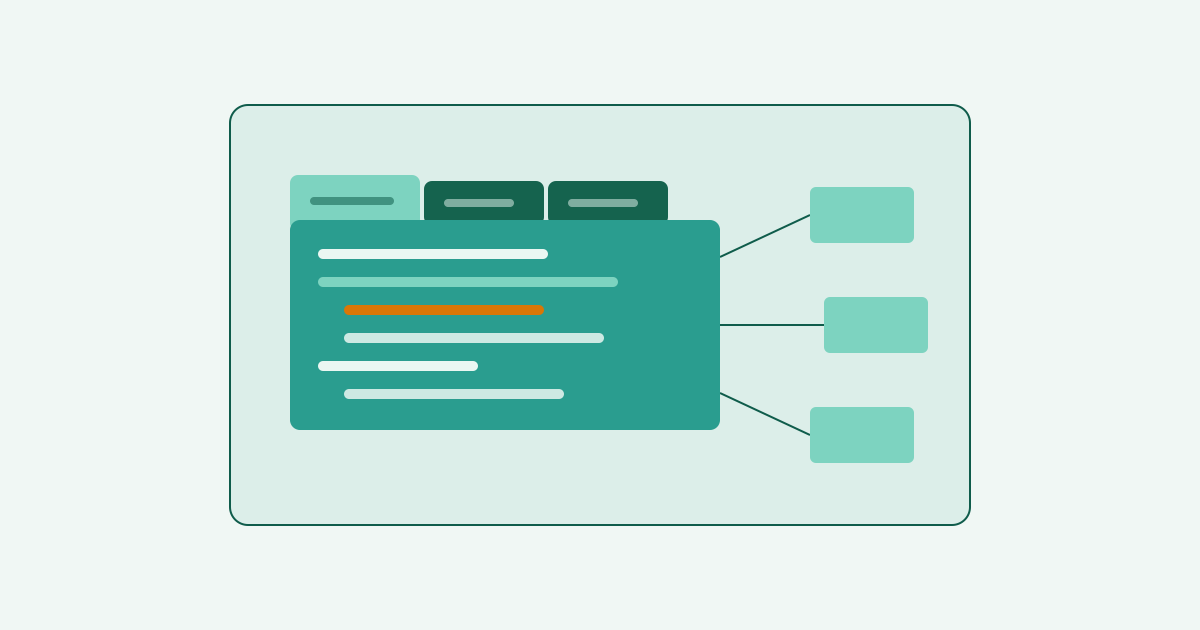
What shipped this week: a rebuilt Tasks editor with tabs, inline prompts, line-level revisions, and an AI assist; three new connectors and four updates; and two new essays from the blog.
A big iteration on the Tasks editor: tabs for files and prompts, a redesigned sidebar, dirty-state indicators, enhanced revision logs, and an AI assist button.

Three ways to build the same automation on Aisle - a two-prompt workflow, a single-prompt workflow, and a native Python Task - and what each one cost in tokens, effort, and maintenance.
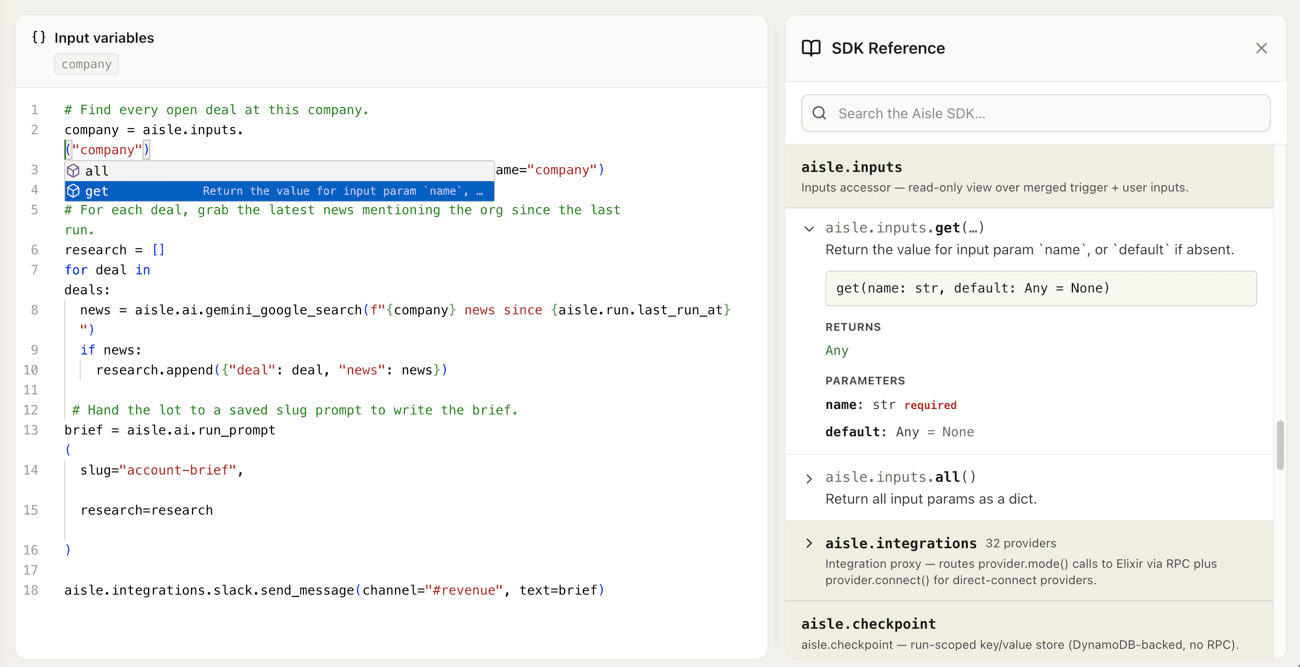
Tasks lets you build AI workflows in Python and run them on a managed runtime. No servers to provision, no infrastructure to wire up.

In this video we show using the Playgrounds feature to compare the responses of different models - such as Opus 4.6 and GPT 5.4 - along with different prompt settings.

Use the Aisle memories feature to create an on the fly, searchable AI RAG database that extends past usual context limits. Upload hundreds of documents including PDF, PPT, DOC and then chat with your data.

In this tutorial, Mitch takes us through the Aisle Projects feature - how to bundle prompts, workflows, MCP connectors, and knowledge bases into a single agent-run workspace.

How much time do you spend on prompt structure? Mitchell takes us through a quick demo of the Aisle Prompt Builder, which takes a natural language task description and fleshes it out into the Aisle preferred prompt structure, complete with variables and output structure.
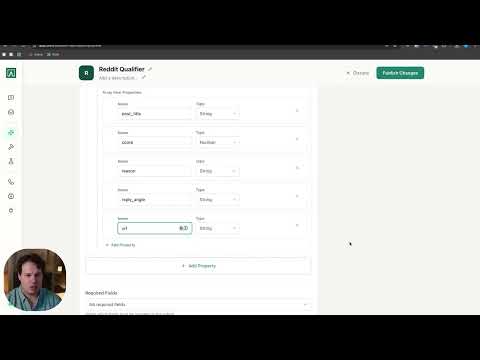
How to build a prompt in Aisle from scratch. Mitch walks through the Prompts feature: setting up a prompt, configuring structured outputs, and deploying it to your team.

The original Aisle Platform Demo from April 2025 - taking early users through multi model chat (ChatGPT, Claude), setting up reusable AI prompts and creating chained AI workflows.